
Jio, Airtel and Vi Recharge API: Operator Codes, Circles and Common Errors
Key takeaways
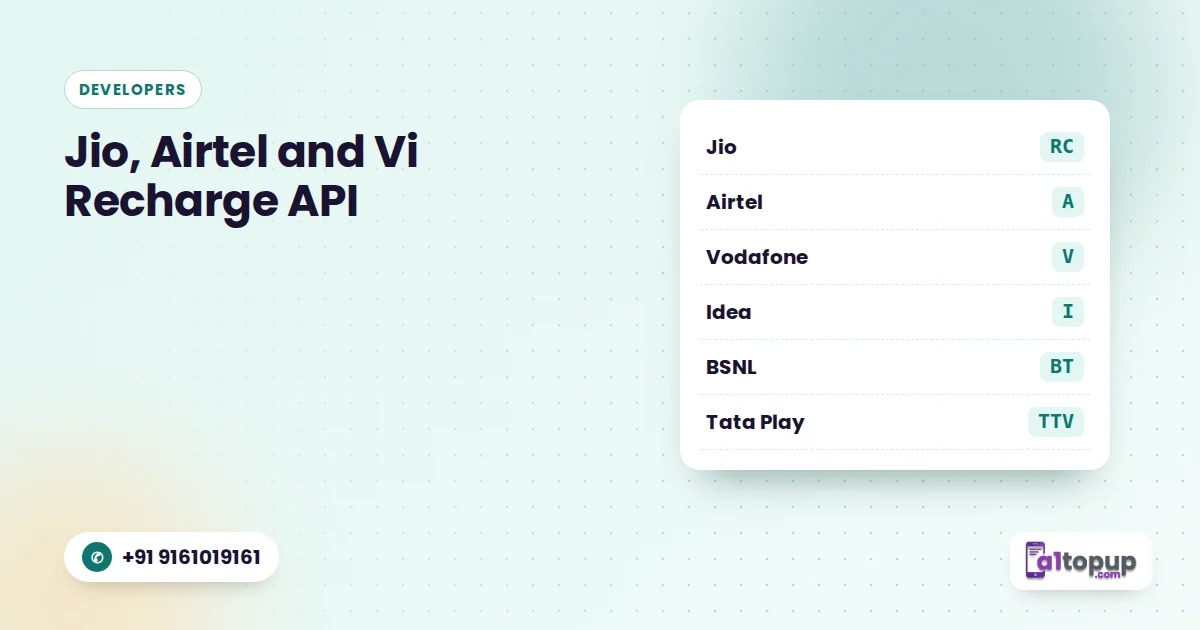
- Jio = RC, Airtel = A, Vodafone = V, Idea = I in the A1Topup API
- Most failures come from wrong operator codes or reused order ids
- Use operator detection instead of asking users to pick the operator
If you are integrating a recharge API, the first day usually goes like this: the request works, the response comes back, and then a few recharges fail for no obvious reason. In most cases the cause is something small, like the wrong operator code or a reused order id.
This post collects the codes and the mistakes in one place.
Mobile operator codes
| Operator | Code | Type |
|---|---|---|
| Reliance Jio | RC | Prepaid |
| Airtel | A | Prepaid |
| Vodafone | V | Prepaid |
| Idea | I | Prepaid |
| BSNL Top-up | BT | Prepaid |
| BSNL STV | BR | Prepaid (special tariff) |
| Idea Postpaid | IP | Postpaid |
The full, current list is on the API documentation page. Always check there before going live, because operators occasionally add or change products.
DTH operator codes
| Operator | Code |
|---|---|
| Airtel Digital TV | ATV |
| Tata Play (Tata Sky) | TTV |
| Dish TV | DTV |
| Videocon D2H | VTV |
Log the operator code you sent next to every failed recharge. Nine times out of ten the pattern jumps out within a day.
What the circle code is for
The circle tells the system which telecom region the number belongs to. It is optional in the A1Topup API, but sending the right circle helps with plan lookups and avoids edge cases. If you do not want to ask users, the operator detection API returns both the operator and the circle from the mobile number.
The mistakes behind most failed recharges
- Wrong operator code. A Jio number sent with the Airtel code fails. Detect the operator automatically instead of trusting a dropdown.
- BSNL top-up vs STV. BT and BR are different products. Sending a special tariff amount as a top-up fails.
- Reused order id. Every request needs a new order id. Reusing one makes the API treat it as a duplicate.
- Retrying a pending recharge. Pending is not failed. Retrying creates a second recharge if the first one succeeds later.
- Amount not valid for the operator. Some operators accept only specific plan amounts. Show live plans with the recharge plan API.
A safe request flow
- Detect operator and circle from the number.
- Show valid plans for that operator.
- Create a new order id and send the recharge.
- Read the status; if pending, wait for the callback or check the status API with the same order id.
Conclusion
Getting codes and order ids right removes most integration headaches. Keep the documentation open while you build, and test every operator with a small amount before going live.
Integrating the recharge API?
Full documentation, code samples and a Postman collection on one page.
Frequently asked questions
What is the operator code for Jio in the A1Topup API?
Is the circle code required?
Why does my recharge show pending?
Have a question? Talk to our team
Related articles
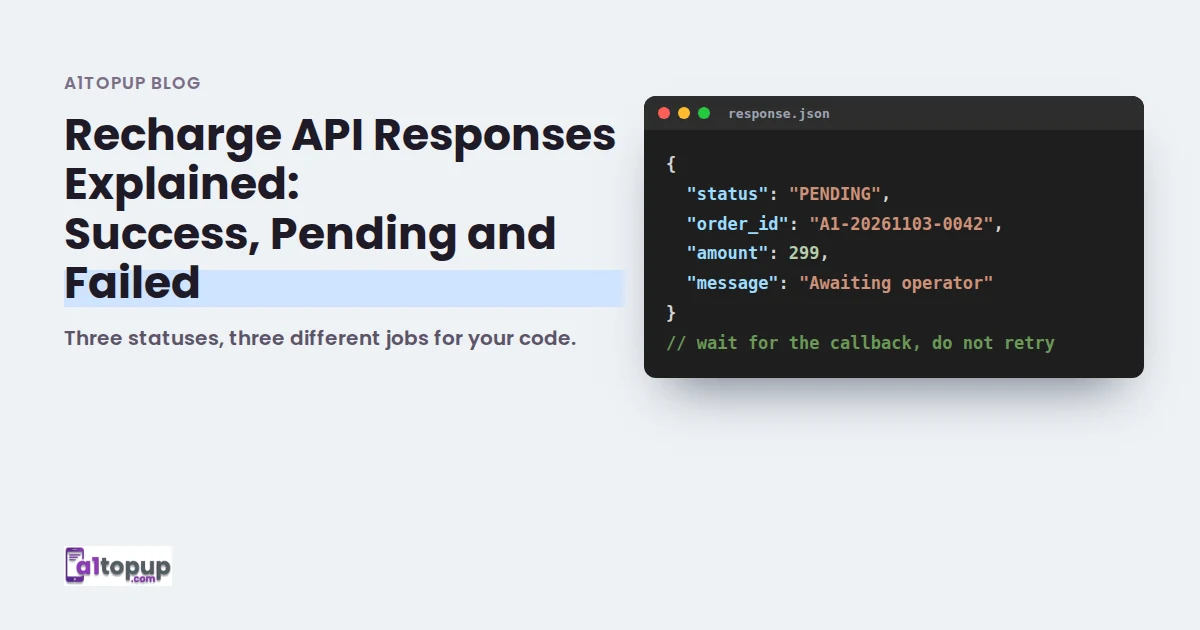
Recharge API Responses Explained: Success, Pending and Failed
Three statuses, three different jobs for your code. Here is how to handle each one safely.
Read more →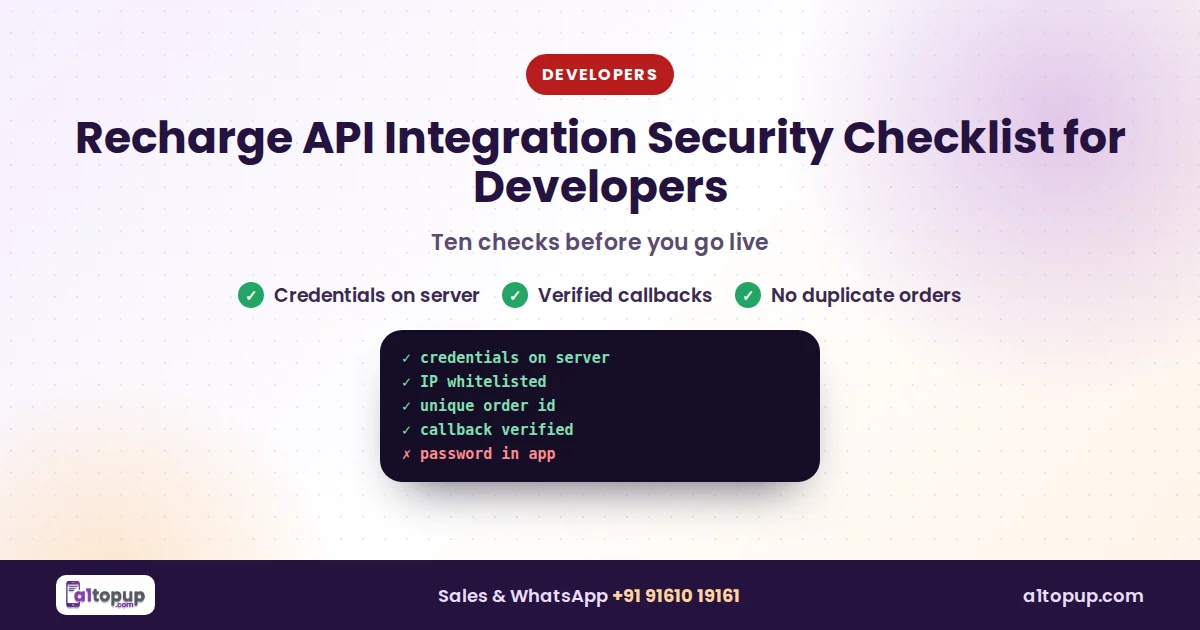
Recharge API Integration Security Checklist for Developers
Recharge APIs move real money. Ten checks to run before your integration goes live.
Read more →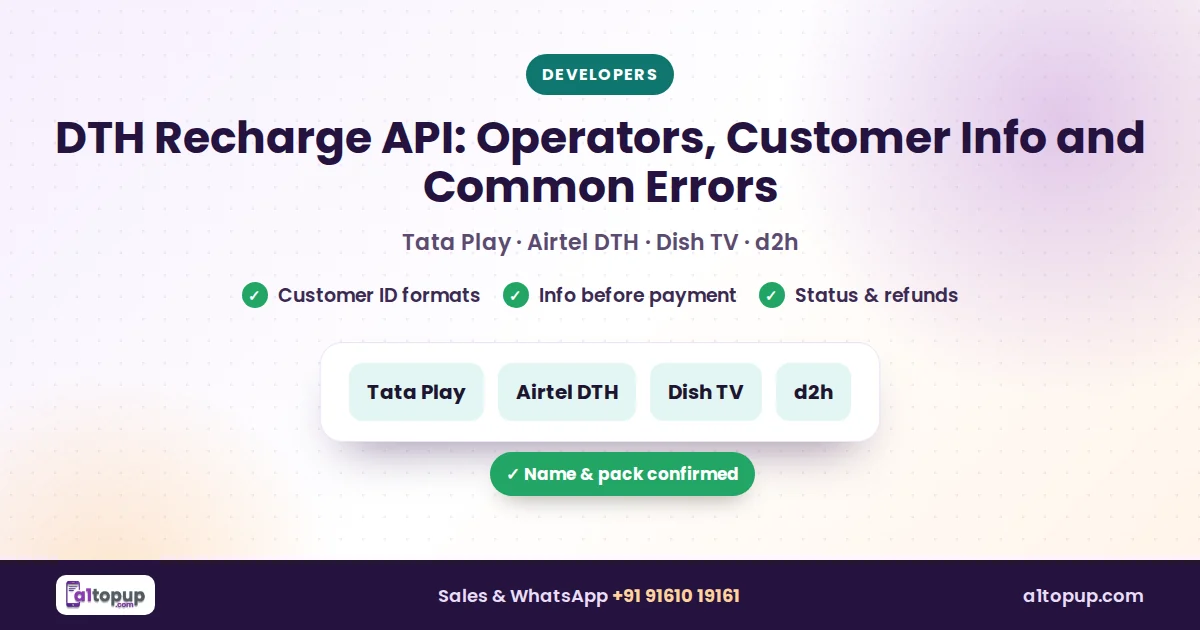
DTH Recharge API: Operators, Customer Info and Common Errors
DTH customers come back every month. Here is how the API side works and what usually goes wrong.
Read more →