
Recharge Disputes: How a Dispute API Saves Your Support Team Hours
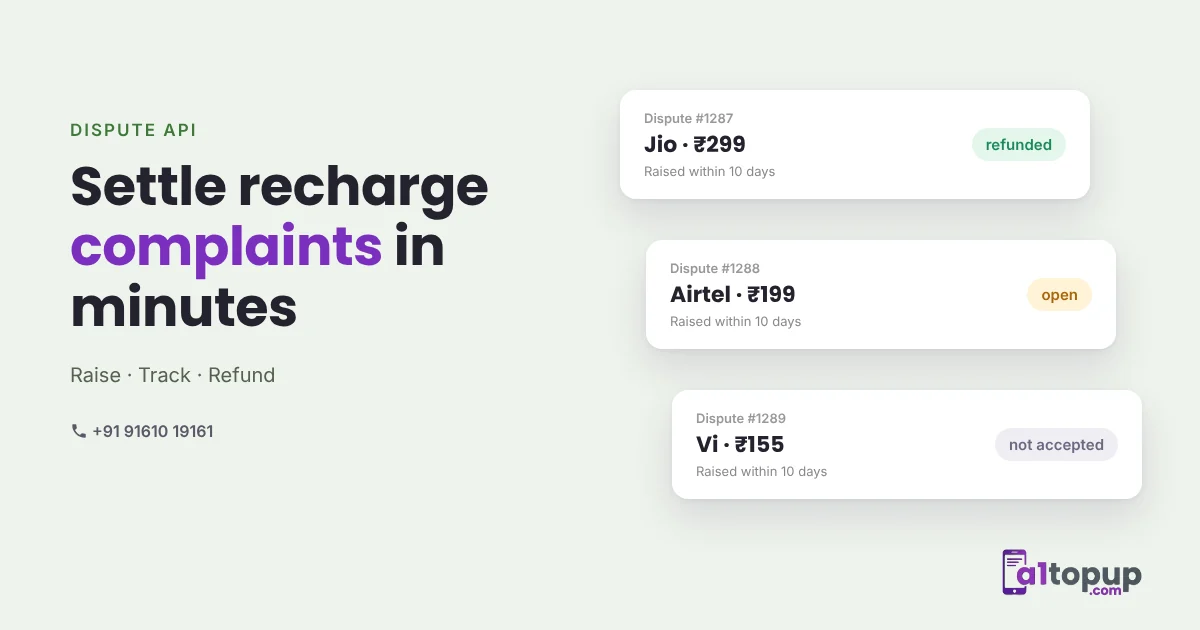
Some recharges go through on the operator side but the customer insists nothing arrived. Some are marked success but really did fail. Either way, the retailer calls you, you call your API provider, and somebody sends screenshots on WhatsApp.
Multiply that by a busy network and support becomes a full-time job. A dispute API turns it into a process your software can run.
What a dispute API does
- Raise a dispute for a transaction, using the transaction ID or your own order ID, with a short remark
- Track it by checking its status, or wait for the result on your callback URL
- Settle it in your system: refund if accepted, keep as success if not
The statuses to plan for
With A1Topup's Dispute API v2, a dispute is always in one of four states:
| Status | What it means | What your system does |
|---|---|---|
| open | With the operator. The recharge shows Pending until settled | Show "under review" to the retailer |
| refunded | Accepted. Amount refunded, recharge is Failure | Refund the retailer's wallet |
| not_accepted | Not accepted. Recharge stays Success | Close it and show the operator ID as proof |
| rejected | The operator refused the request when it was raised | Show the reason, no refund |
Disputes can be raised within 10 days of the recharge, with up to 10 open at a time. The full request and reply format is in the API documentation.
Build it into the retailer's screen
- A "raise complaint" button on each successful transaction in the history
- Block a second dispute on the same transaction while one is open
- A clear status badge, so the retailer stops calling to ask
- Automatic wallet refund when the result is refunded, recorded in the ledger
Before raising anything: check the operator ID. Many "not received" complaints are solved by asking the customer to check their balance or SMS with that ID in hand.
Mistakes that make disputes harder
- Raising a dispute on a pending recharge. Wait for the final status first. Pending is not a complaint, it is a recharge still in progress.
- Refunding the retailer before the result. If the dispute is not accepted, you have paid twice. Refund only on the refunded status.
- Losing the link to your order. Store your own order ID with every transaction, so you can raise and track disputes with it.
- Waiting too long. Disputes have a time window. Make raising one a single tap, so retailers do it the same day.
Why it is worth the work
Retailers trust a network that settles complaints visibly. When they can see "under review" and then "refunded" on their own screen, they stop moving to a competitor after one bad experience.
For the bigger picture of pending and failed recharges, read our pending, failed and refund guide. Want the dispute flow in your platform? WhatsApp us.
Frequently asked questions
What is a recharge dispute API?
How long do I have to raise a recharge dispute?
What happens if a dispute is accepted?
Have a question? Talk to our team
Related articles
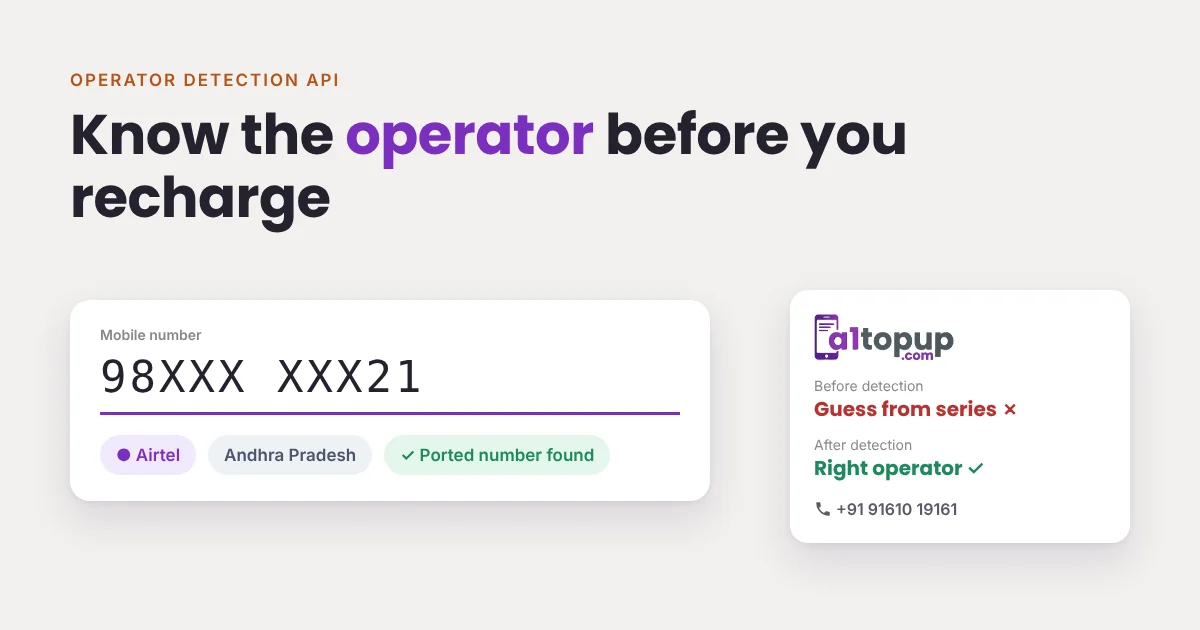
Operator Detection API: Find the Operator and Circle Before You Recharge
With number portability, a number that started on one network may now be on another. Guessing the operator is how a whole class of failed recharges begins.
Read more →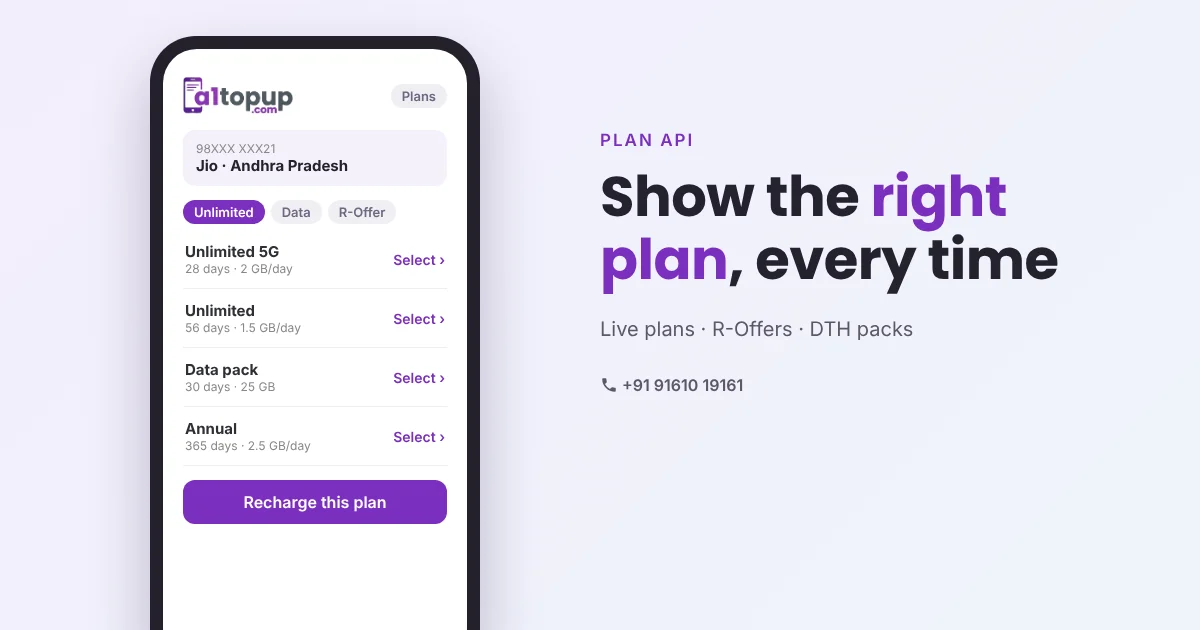
Recharge Plan API: Why Showing the Right Plan Means Fewer Failed Recharges
A customer asks for "the 28-day unlimited one". The retailer types an amount from memory. That is how wrong-plan complaints start. A plan API fixes it at the screen.
Read more →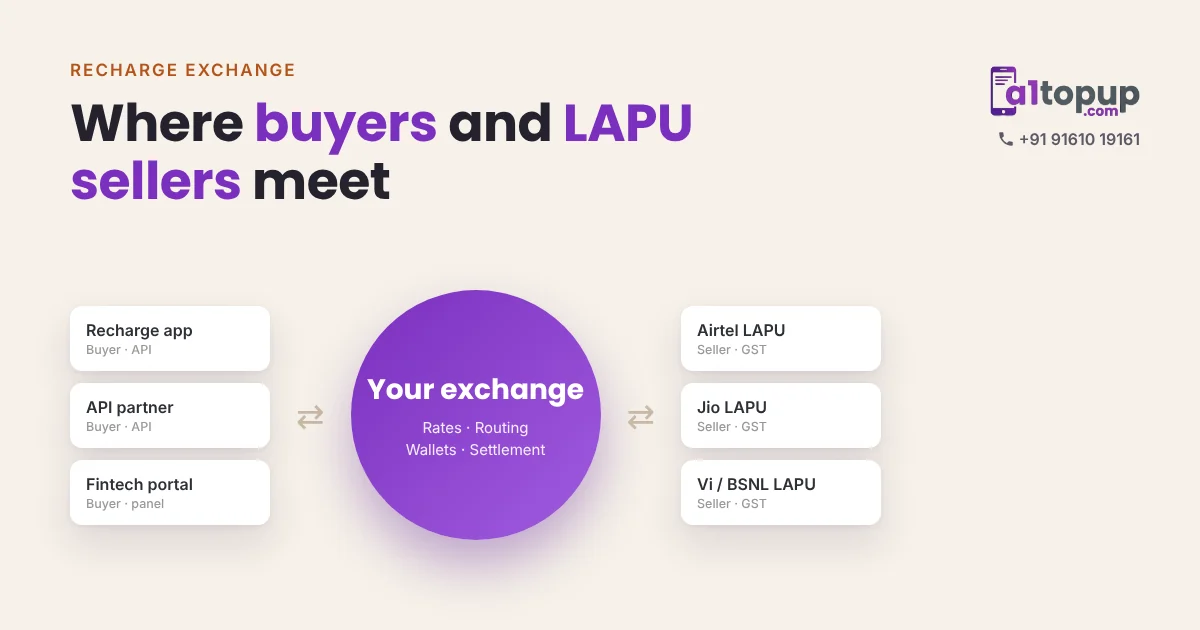
What Is a Recharge Exchange? How Buyers and LAPU Sellers Meet on One Portal
Some businesses have recharge demand. Others have operator stock. A recharge exchange puts both on one portal and keeps the margin in between.
Read more →