
Operator Detection API: Find the Operator and Circle Before You Recharge
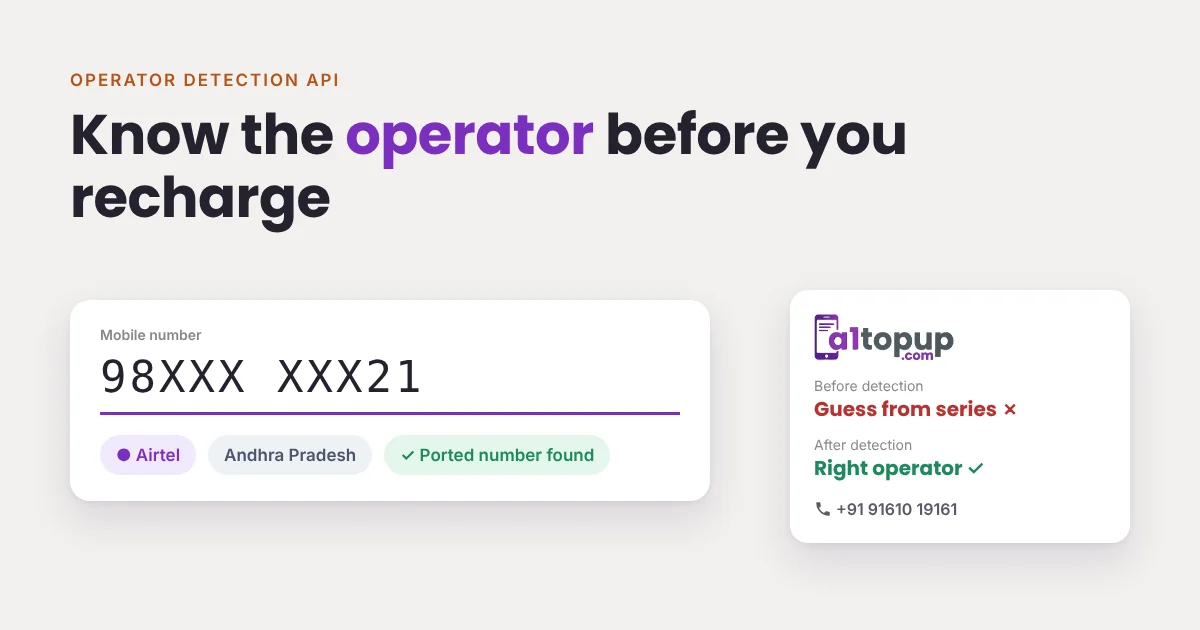
Years ago, the first few digits of a mobile number told you the operator. With mobile number portability, that is no longer reliable. A customer may have moved from one network to another and kept the same number.
If your recharge screen guesses the operator from the series, some of those recharges go to the wrong operator. They fail, or worse, sit pending and confuse everyone.
What an operator detection API returns
You send the mobile number. The API returns the current operator and the telecom circle. A typical reply looks like this:
{
  "status": "Success",
  "mobile": "98XXXXXX21",
  "operator": "Airtel",
  "circle": "Andhra Pradesh"
}
How to use it on your recharge screen
- As soon as ten digits are entered, call the detection API
- Pre-select the operator and circle, but let the retailer change it
- Load the plan list for that operator and circle
- Send the recharge with the detected circle code
The retailer saves a tap, and the customer sees plans for their own circle instead of a generic list.
Where detection matters most
- Ported numbers, which a series-based guess gets wrong
- Customer apps, where people do not know or care what "circle" means
- Bulk or API recharges, where nobody looks at each number
Things to check
- Coverage of Airtel, Jio, Vi and BSNL across circles
- Response time, because it runs while the retailer is typing
- What happens when a number cannot be found: your screen should simply ask the retailer to pick
- Whether it shares a login and quota with your plan API
Do not over-trust it: keep a manual operator dropdown. Detection is a strong default, not a lock. A customer standing at the counter knows their own SIM.
A quick example from the counter
A customer gives a number that starts with a series once used by one operator. The retailer selects that operator out of habit. The number was ported two years ago. The recharge fails, the customer waits, the retailer tries again with another operator, and the customer leaves unhappy.
With detection on the screen, the correct operator is already selected after the tenth digit. The retailer only confirms the plan. That is a few seconds saved per recharge and one fewer argument at the counter, many times a day.
Detection plus the right circle code
Our recharge API accepts a circle code with each request (send 0 if you do not know it). Sending the detected circle helps with circle-specific plans. The operator codes guide lists the codes and the most common error messages.
A1Topup's Operator Detection API comes with the same login as our Plan API and Bill Fetch API. Want to test it? WhatsApp us.
Frequently asked questions
Why can’t I find the operator from the first digits of a number?
What does an operator detection API return?
Should I still show an operator dropdown?
Have a question? Talk to our team
Related articles
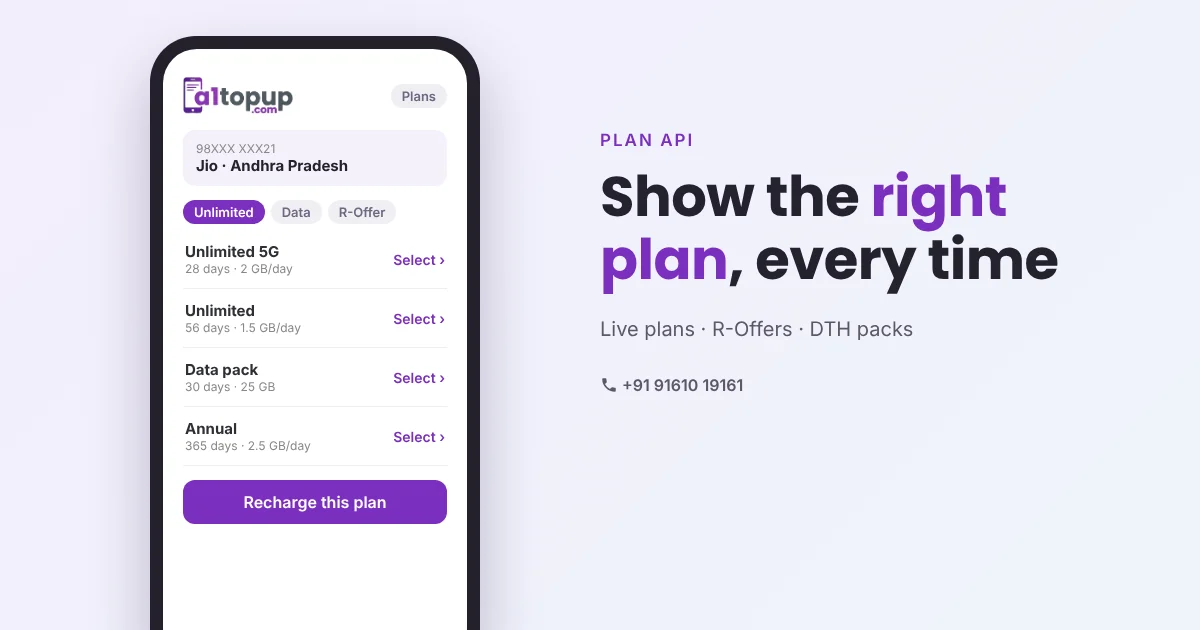
Recharge Plan API: Why Showing the Right Plan Means Fewer Failed Recharges
A customer asks for "the 28-day unlimited one". The retailer types an amount from memory. That is how wrong-plan complaints start. A plan API fixes it at the screen.
Read more →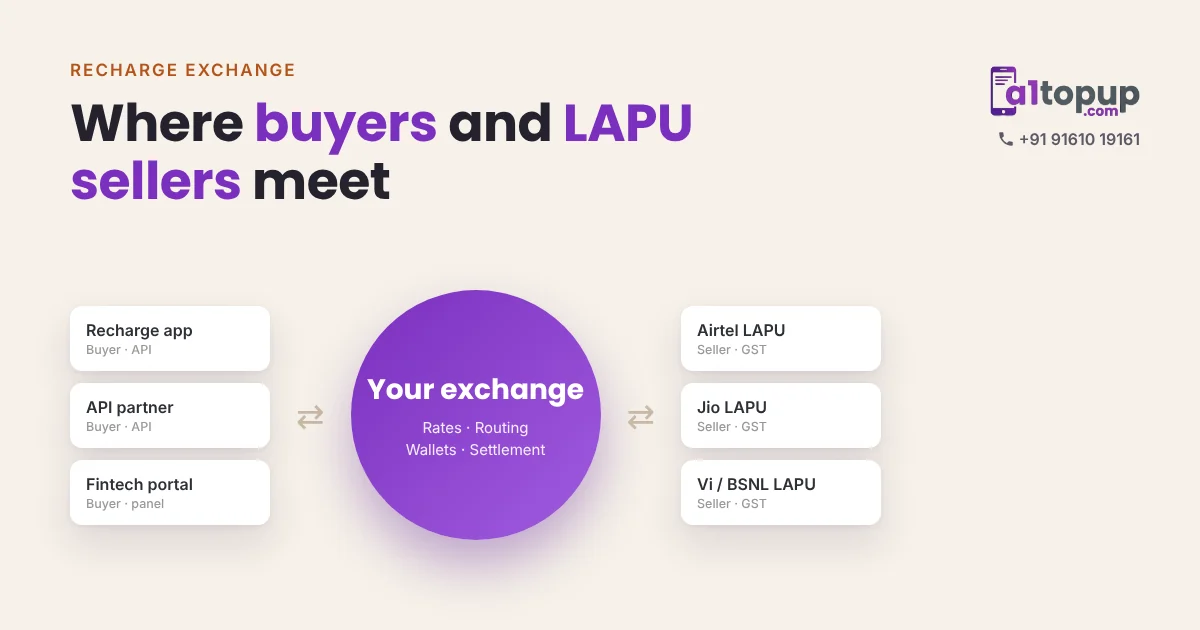
What Is a Recharge Exchange? How Buyers and LAPU Sellers Meet on One Portal
Some businesses have recharge demand. Others have operator stock. A recharge exchange puts both on one portal and keeps the margin in between.
Read more →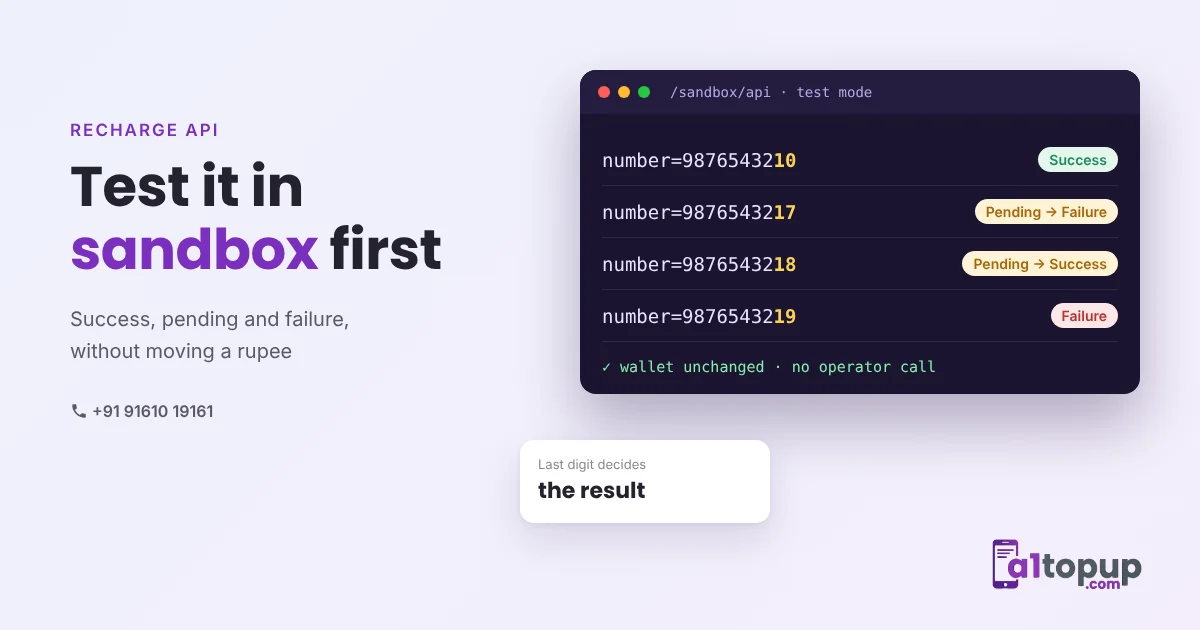
Testing a Recharge API in Sandbox: What to Check Before You Go Live
Most integration bugs show up on the first busy evening, with real money. A sandbox lets you find them on a quiet afternoon instead. Here is what to test.
Read more →