
Testing a Recharge API in Sandbox: What to Check Before You Go Live
The first version of a recharge integration nearly always works for the happy path. You send a request, the reply says Success, the wallet goes down. The trouble starts with the cases nobody tested: a recharge that stays pending for a minute, a callback that arrives before your database has saved the order, a retailer who taps the button twice.
A sandbox, or test mode, lets you produce those cases on purpose, without a single rupee leaving your wallet. This is the checklist we suggest to every developer before they switch to the live API.
How A1Topup's sandbox works
Our test mode uses the same parameters and reply formats as the live API. Only the path changes, from /recharge/ to /sandbox/. Nothing is sent to the operator, and the balance call always returns a fixed test balance.
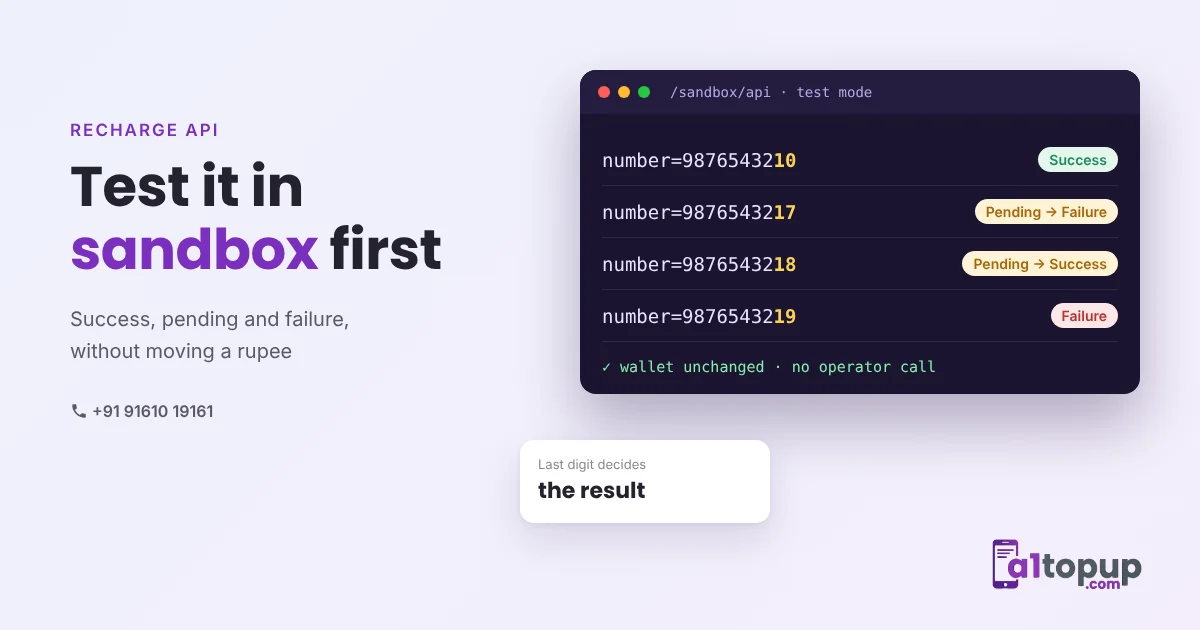
You choose the result with the last digit of the mobile number:
| Last digit | Reply | Callback |
|---|---|---|
| 0 to 6 | Success | Success, right after the reply |
| 7 | Pending | Failure, after about a minute |
| 8 | Pending | Success, after about a minute |
| 9 | Failure | Failure, right after the reply |
Sandbox calls work from any IP, so you can test from your own laptop. The live API only accepts your whitelisted server IP. Full details are in the API documentation.
The 8 tests worth running
1. A plain success
Check that you store the A1Topup transaction ID and the operator ID from the reply. Your support team will need the operator ID the first time a customer says "my recharge did not come".
2. A clear failure
The retailer's wallet should be refunded at once, and the screen should say the recharge failed, not "something went wrong".
3. Pending that ends in success
This is the most important test. Your system must not refund, and must not resend. It should show "processing" and wait for the callback or a status check.
4. Pending that ends in failure
The refund should happen only when the final Failure arrives, and only once, even if both the callback and your status check report it.
5. The same order ID twice
Each order ID can be used once. Send a duplicate and confirm your code treats the Failure reply as a duplicate, not as a failed recharge that needs a refund.
6. An amount below the minimum
Amounts below ₹10 return a Failure. Better still, stop them on your own screen before the request is sent.
7. A slow network
Use a 60-second timeout. A timeout should be treated as pending, never as failed. Then check the status with the same order ID.
8. Callback before the reply
On a fast success the callback can reach your server almost together with the reply. Make sure your callback code can find the order and does not crash or create a second record.
Tip: log every request, reply and callback with the time, in your own database. When a dispute comes later, those logs settle it in minutes.
Before you switch to live
- Whitelist your server IP in the API panel
- Change the path from
/sandbox/back to/recharge/ - Do one real ₹10 recharge on your own number
- Keep the sandbox code path for future releases, so every new version gets the same tests
Our guides on reply status codes and callback URLs in PHP go deeper into steps 3, 4 and 8.
Want to try it?
Ask for API access and you can start testing in the sandbox the same day. Message us on WhatsApp.
Frequently asked questions
What is a recharge API sandbox?
How do I get a pending result in A1Topup sandbox?
Do I need a whitelisted IP for the sandbox?
Have a question? Talk to our team
Related articles
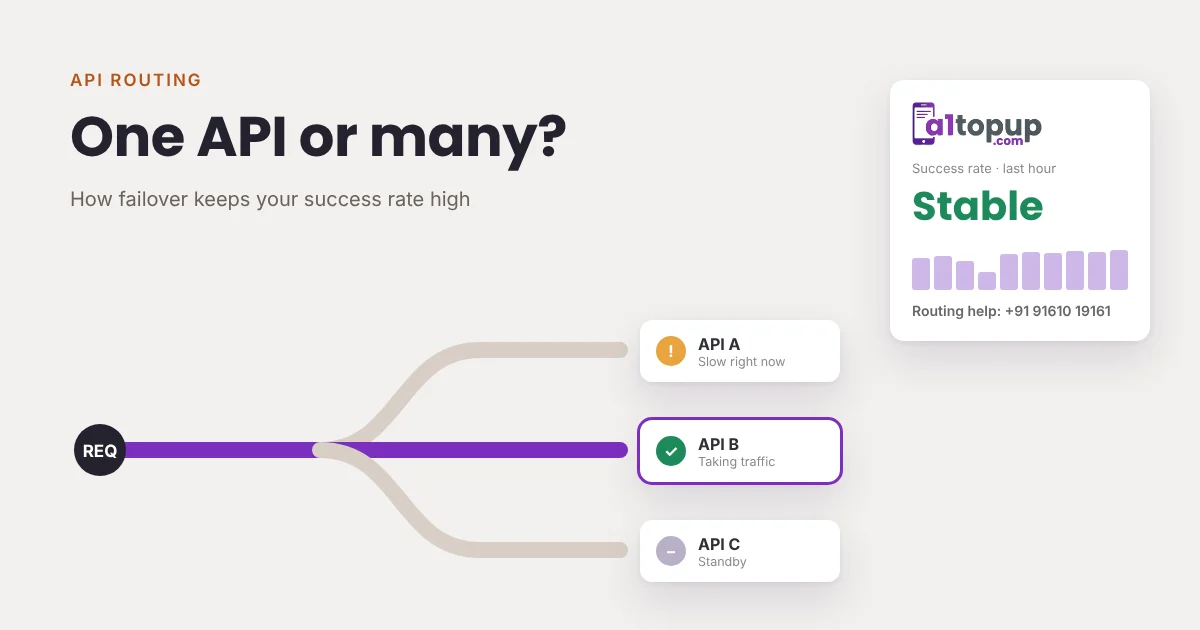
One API or Many? How Failover Keeps Your Recharge Success Rate High
When your only recharge API slows down, every retailer feels it. How routing and failover keep recharges going.
Read more →
DTH Recharge API: Operators, Customer ID Checks and Common Failures
DTH recharges fail for different reasons than mobile. How to check customer IDs, handle pending status and cut failed DTH recharges.
Read more →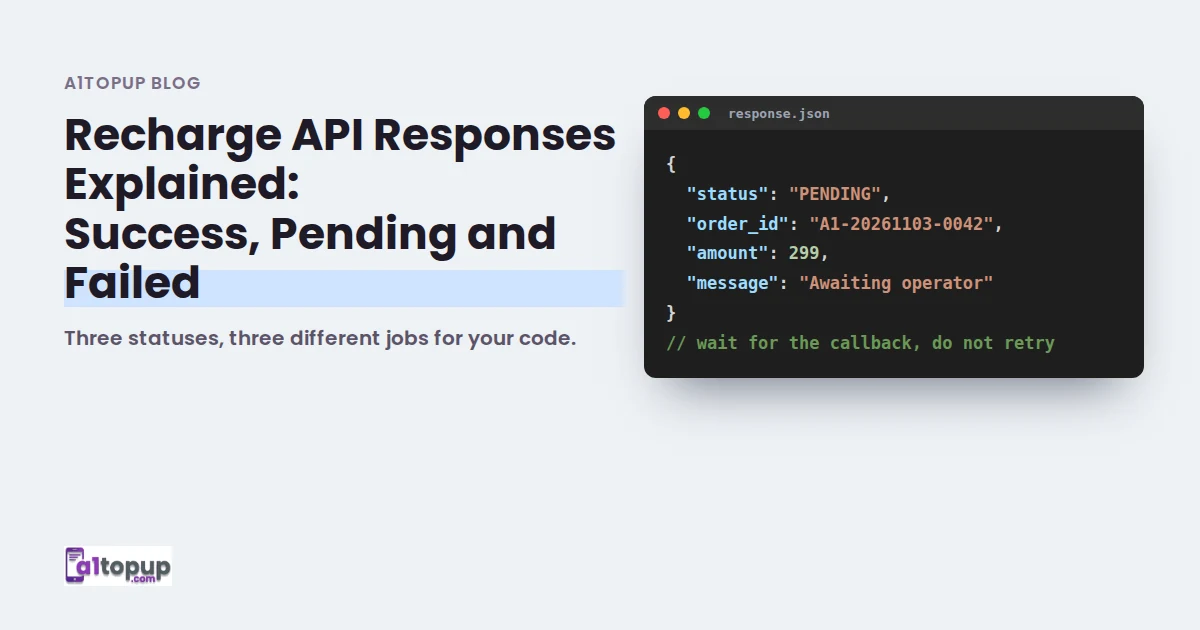
Recharge API Responses Explained: Success, Pending and Failed
Three statuses, three different jobs for your code. Here is how to handle each one safely.
Read more →