
Recharge API Responses Explained: Success, Pending and Failed
Key takeaways
- Success: show it, save the operator reference
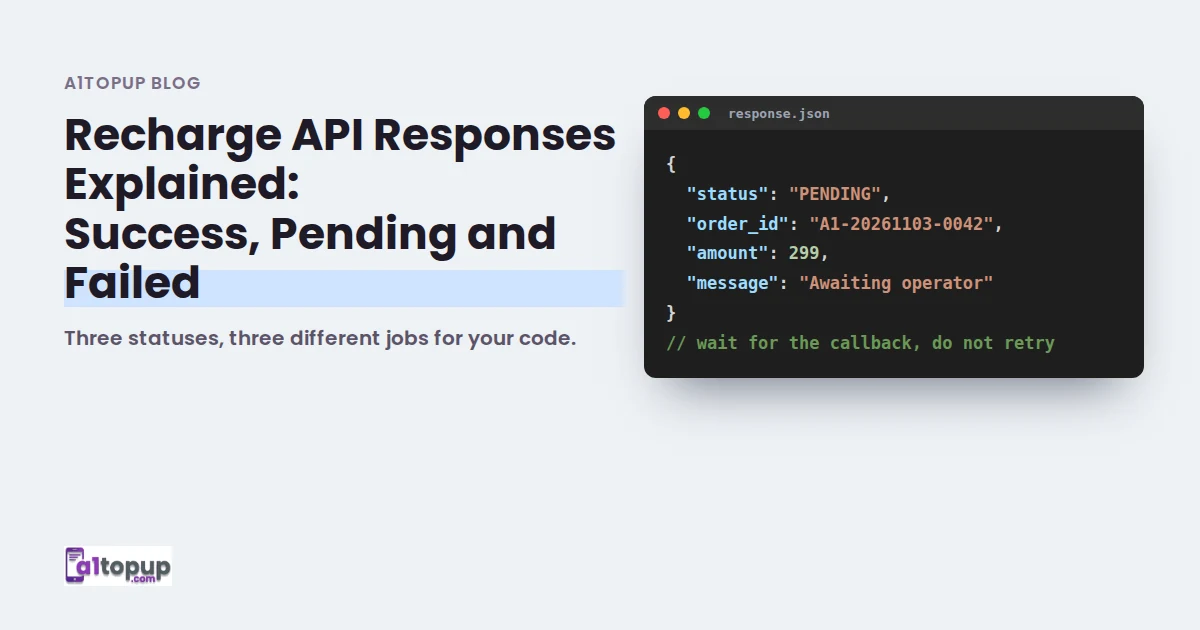
- Pending: wait for the callback, never retry
- Failed: refund to the user wallet, then allow a fresh try
Every recharge API answer comes down to three outcomes. Getting them right decides whether your support team has a quiet day or a phone full of screenshots.
The three statuses
| Status | What it means | What your code should do |
|---|---|---|
| Success | The operator confirmed the recharge | Mark done, store the operator reference, show it to the user |
| Pending | The operator has not answered yet | Show "processing", wait for the callback or check status later |
| Failed | The recharge did not go through | Refund the user wallet and allow a new attempt |
Why pending needs the most care
Most duplicate recharges come from one habit: retrying a pending recharge because it "took too long". The first one often succeeds a minute later, and now the customer has paid twice. Treat pending as pending until the callback says otherwise.
Log the raw response for every recharge for at least 30 days. When a dispute comes, the log answers it in seconds.
A simple handling flow
- Send the request with a unique order id.
- Read the status in the response.
- On pending, save the order and wait for the callback.
- If no callback after a few minutes, call the status API with the same order id.
Conclusion
Handle the three statuses differently and most support problems disappear. Field names and sample responses are in the API documentation.
Building on the recharge API?
Docs, sample responses and a Postman collection.
Frequently asked questions
What does a pending recharge status mean?
Should I retry a failed recharge automatically?
Where do I find the full list of response fields?
Have a question? Talk to our team
Related articles
Recharge API Integration Security Checklist for Developers
Recharge APIs move real money. Ten checks to run before your integration goes live.
Read more →
DTH Recharge API: Operators, Customer Info and Common Errors
DTH customers come back every month. Here is how the API side works and what usually goes wrong.
Read more →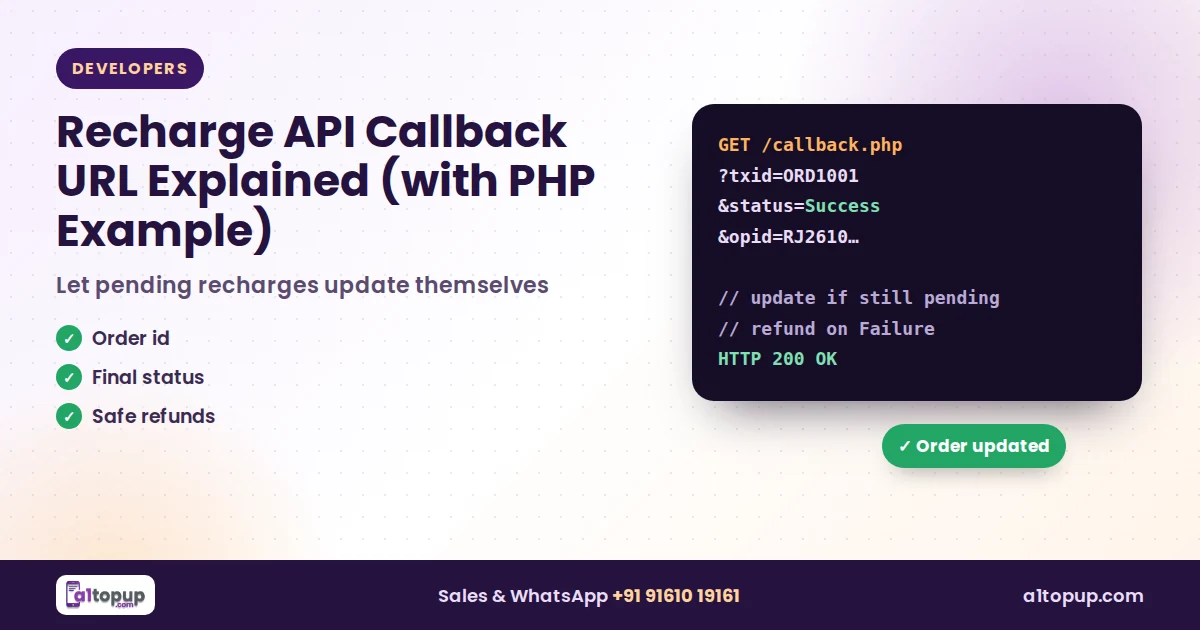
Recharge API Callback URL Explained (with PHP Example)
Pending recharges update themselves when your callback URL is set up right. Here is how it works, with a PHP example.
Read more →