
Publishing a White Label Recharge App on Play Store: What to Know
Key takeaways
- Use a developer account in your business name
- Keep a privacy policy and support contact ready
- Leave a buffer of several days for review
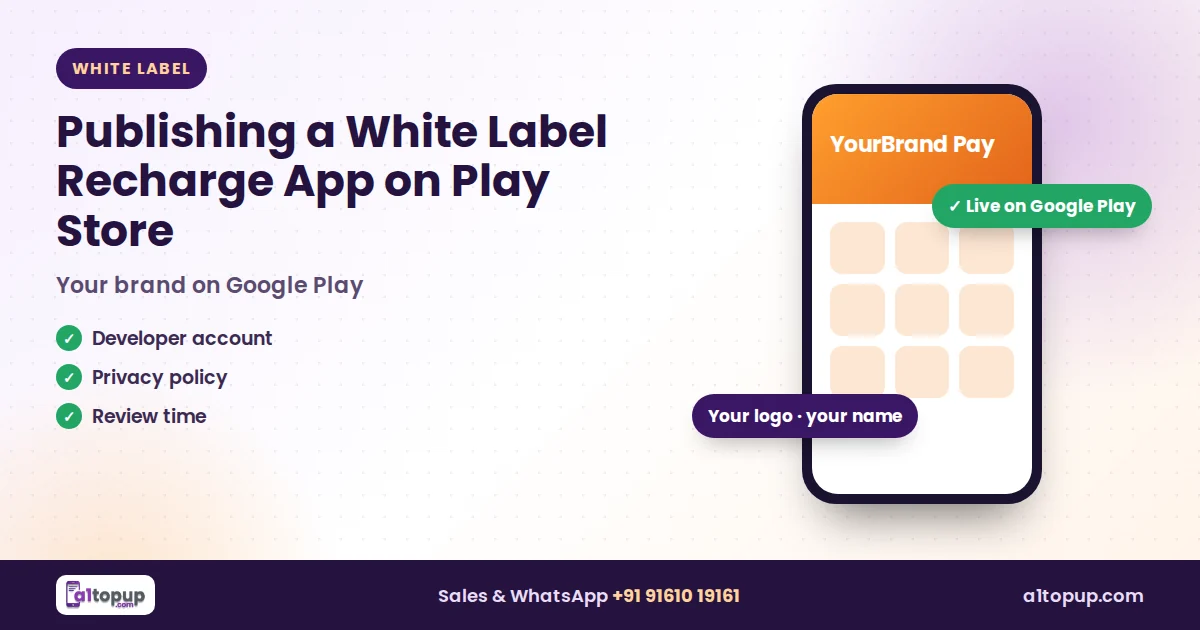
For most new recharge brands, the Android app is what retailers see every day. Getting it on Google Play under your own name makes your business look real. The software part is quick with white label; most of the waiting is on Google Play.
What you need before publishing
- A Google Play developer account in your or your company's name.
- App name and icon that match your brand and website.
- A privacy policy page on your website.
- A support email and phone shown on the listing.
- Screenshots and a clear description of what the app does.
Create the developer account in the same business name as your GST and website. Matching details are the fastest way through verification.
Common reasons apps are rejected
- No privacy policy, or a broken link to it
- A description that does not explain the app clearly
- Business details that do not match the developer account
- Screenshots from another brand
How long it takes
Review time is outside anyone's control and can be longer for new accounts and payment-related apps. Plan your launch with a buffer of several days, and test with a few trusted retailers using a direct download link in the meantime.
How A1Topup helps
With A1Topup white label software our team prepares your branded app, website and admin panel and guides you through the listing. You keep full ownership of your brand on Google Play.
Conclusion
Treat the Play Store listing like your shop front: clear name, real contact details and a proper privacy policy. Get those right and review is usually smooth.
Launch your own recharge app
Website, Android app and admin panel in your brand.
Frequently asked questions
Do I need my own Google Play developer account?
How long does Play Store review take?
Why are recharge apps rejected?
Have a question? Talk to our team
Related articles
Festive Season Checklist for Recharge Software Owners
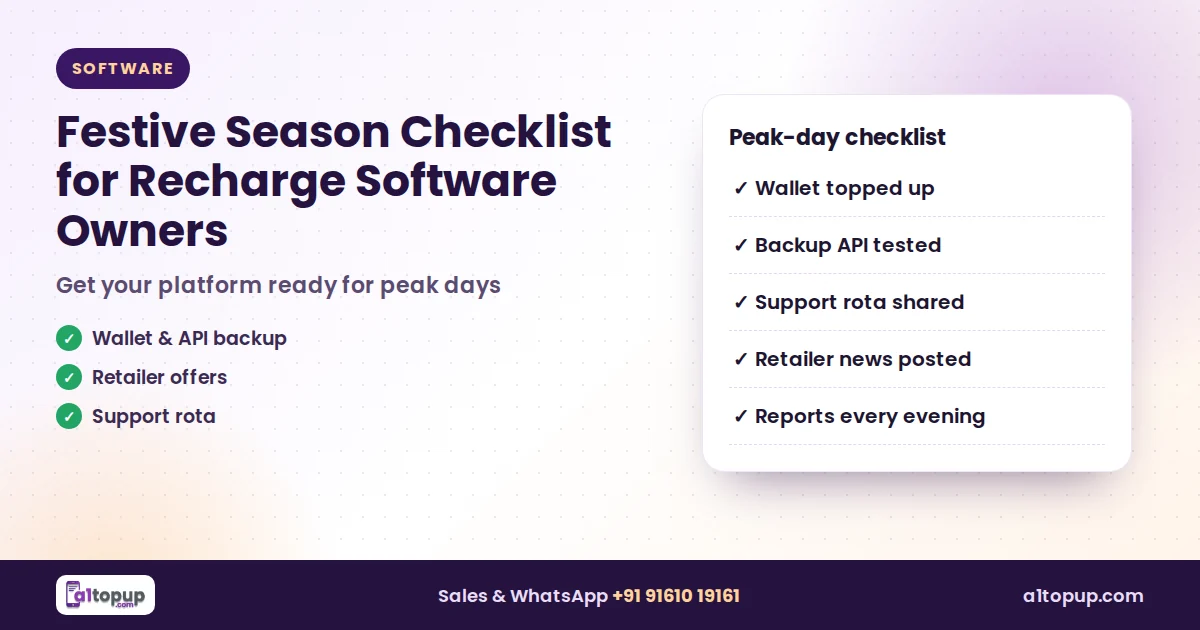
The busiest recharge days of the year are coming. A practical checklist so your platform, wallet and team are ready.
Read more →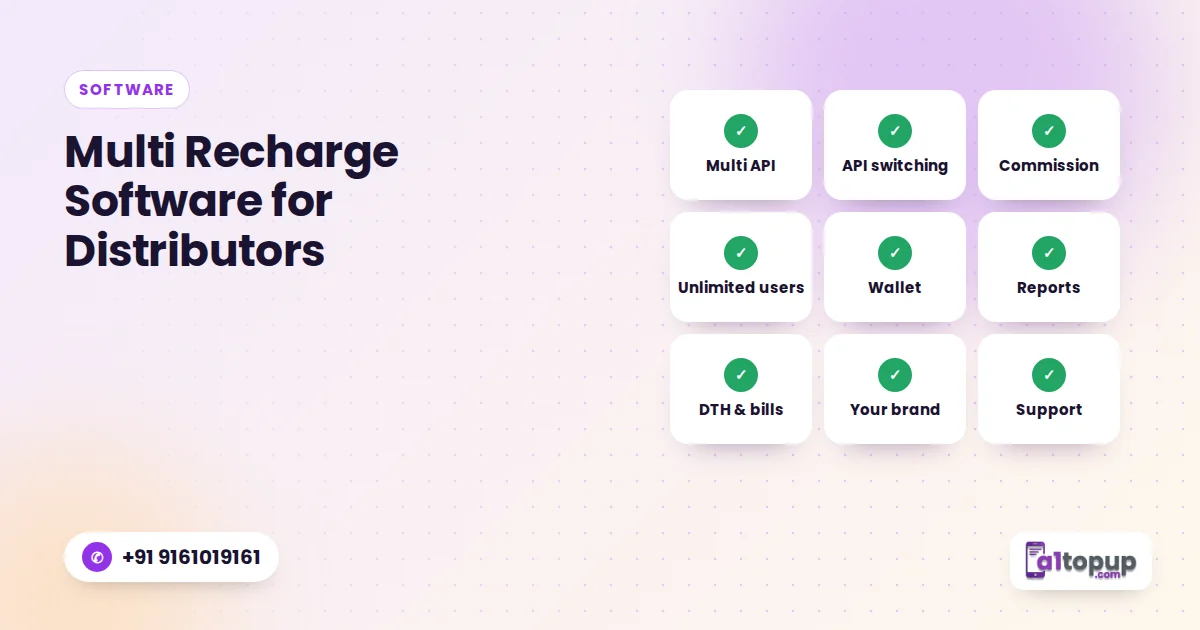
Multi Recharge Software for Distributors: 9 Features to Check Before You Buy
Nine features that separate recharge software that works on a busy Monday morning from software that only looks good in a demo.
Read more →
How to Launch Your Own Recharge App in Your Brand (Step by Step)
From choosing a name to your first retailer recharge: the real steps to launch a recharge app under your own brand.
Read more →