
Recharge Software Security: 12 Things to Check Before You Go Live
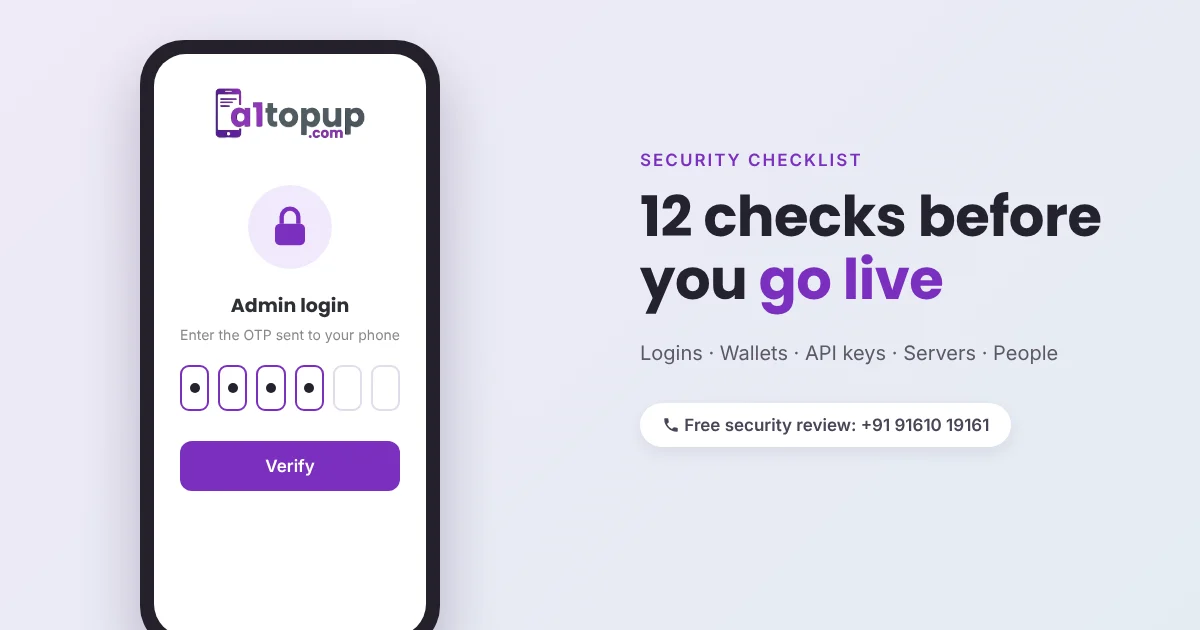
A recharge platform is a wallet system. Every retailer balance, every fund request and every API key is money that someone may try to take. Most incidents in this business are not clever hacks; they come from a reused password, an admin panel open to the whole internet, or an API key sitting in a shared WhatsApp group.
Use these 12 checks before launch, and once every few months after.
Logins and access
- OTP on admin and distributor logins. A password alone is not enough for accounts that can add balance.
- Separate admin URL and IP limits. The admin panel should not sit at an easy address open to everyone. Limit it to your office IPs or a VPN if you can.
- Staff roles. Your support person does not need the power to add funds. Give each staff member only what their job needs.
- Login alerts. A WhatsApp or SMS alert on every admin login, so you know at once if it was not you.
Money and wallets
- Two-step fund approval. Large manual credits should need a second person, or at least an OTP.
- Daily reconciliation. Wallet totals in your software should match your API provider balance and bank statement every day. A gap that grows is a warning.
- Limits. Daily limits per retailer and per transaction stop one stolen account from emptying a large balance.
API and server
- IP whitelisting. Your recharge API provider should accept requests only from your server IP. Most good providers require this.
- Keys out of the code. API keys and passwords belong in a config file outside the public folder, never in the website code or a screenshot.
- Check callbacks. Before marking a recharge as success or refunding it, confirm the callback is genuine, and check the status API if in doubt.
- HTTPS, updates and backups. SSL everywhere, server updates on time, and daily backups stored away from the main server.
People
- Train your team. No real company will ask for an OTP or the admin password on a call. Make that a rule your staff and distributors know.
Pro tip: once a month, log in as a test retailer and try things you should not be able to do: open another user's report, change a commission, or reach the admin page. It takes 15 minutes and finds real holes.
Questions to ask your software provider
- Is OTP login available for admin and distributors?
- Can the admin panel be limited by IP?
- Where are backups kept, and how often?
- How fast are security fixes applied, and are they included in the renewal?
One more rule that saves money: never refund a "pending" recharge before checking its final status with your API provider.
Need a security review?
A1Topup builds recharge software with OTP logins, role-based staff access and IP-locked APIs. If you already run a platform, we can go through this checklist with you. Talk to us on WhatsApp.
Frequently asked questions
What is the biggest security risk in recharge software?
Why do recharge API providers ask for IP whitelisting?
How often should I check my wallet balances?
Have a question? Talk to our team
Related articles
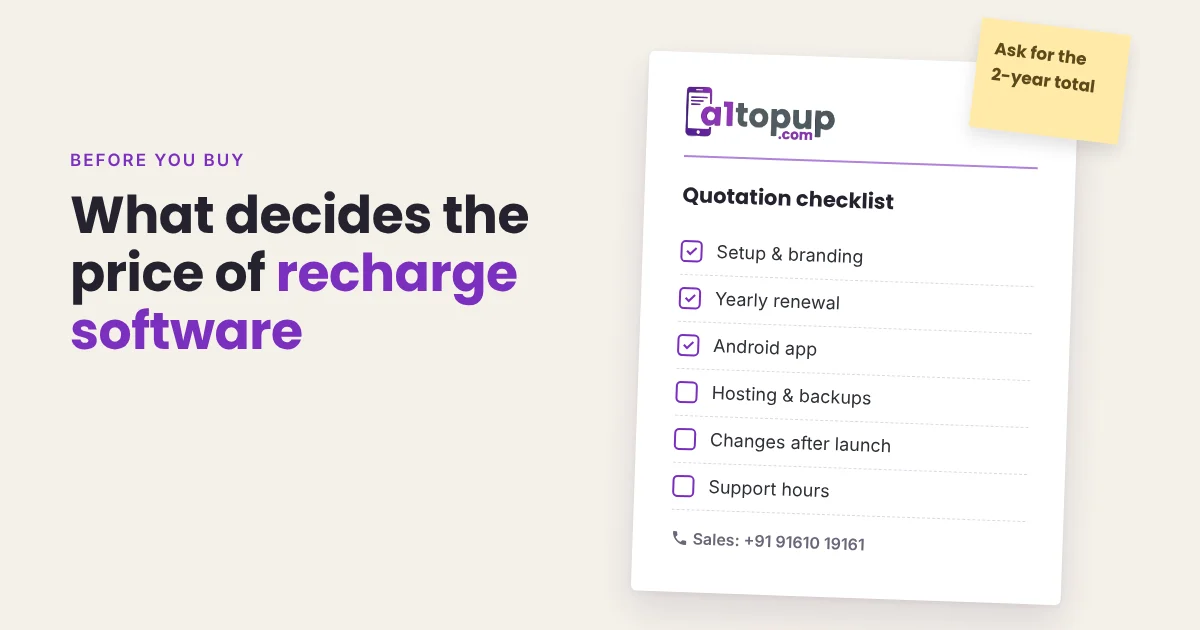
Recharge Software Cost in India: What Actually Decides the Price
Two quotes for "recharge software" can differ by ten times. Here is what you are actually paying for, and which costs show up only after you go live.
Read more →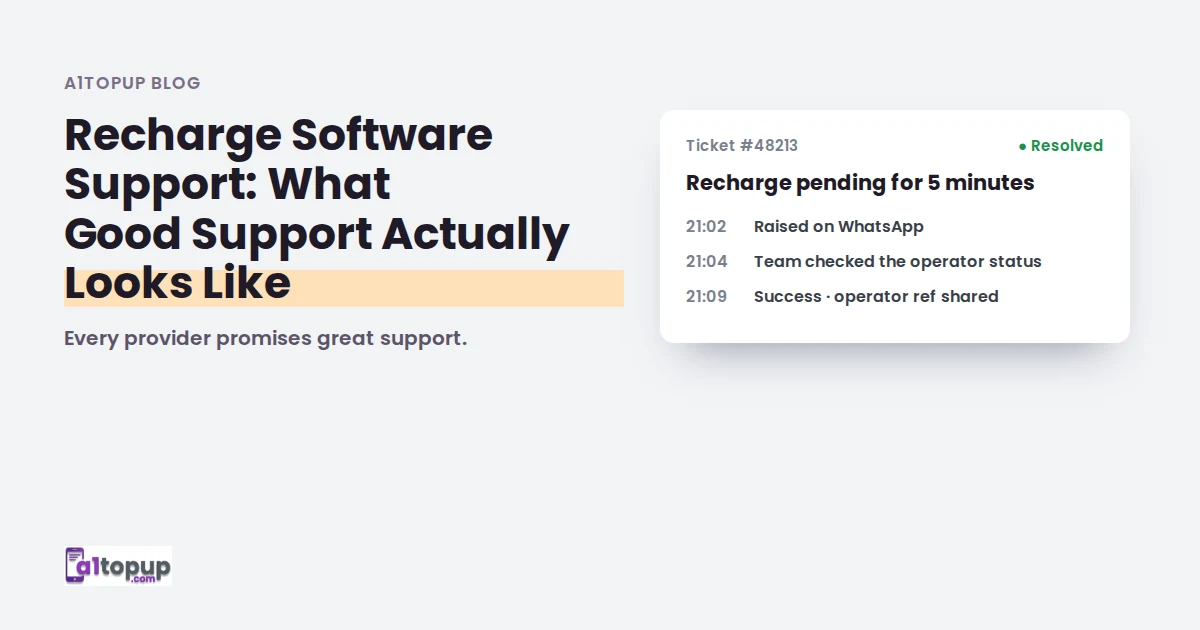
Recharge Software Support: What Good Support Actually Looks Like
Every provider promises great support. Five things to check before you believe it.
Read more →
How to Move Your Retailers to a New Recharge Platform Without Losing Them
Switching platforms is mostly about people, not software. A week-by-week plan that keeps retailers with you.
Read more →