
Postpaid and Landline Bill Payment API: A Practical Guide
Key takeaways
- Postpaid is a bill, not a recharge: fetch first
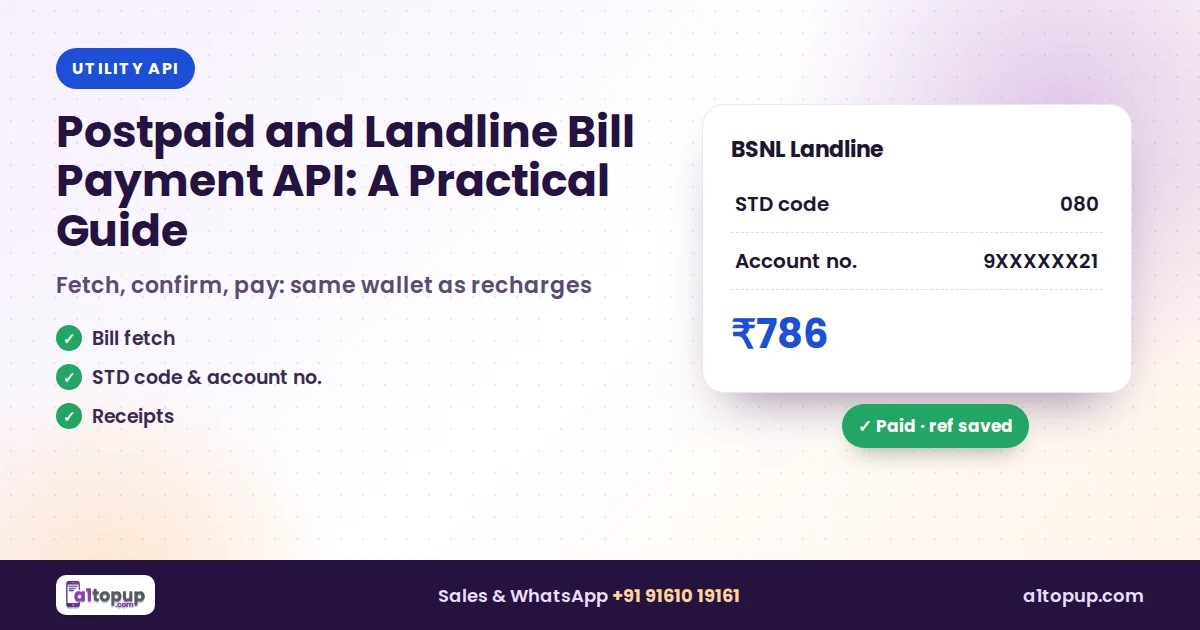
- Landlines often need the STD code and account number
- Keep the reference number for every payment
Postpaid customers are some of the most loyal at any counter: the bill comes every month, the amount is fixed, and they want it done in a minute. The API side is simple once you know the one or two extra fields each operator wants.
Postpaid mobile
- Select the operator and enter the mobile number.
- Fetch the bill: name, due amount, due date.
- Confirm with the customer and pay.
- Print or share the reference number.
Landline extra fields
| Operator | number | Extra field |
|---|---|---|
| Airtel Landline | Landline number | STD code |
| BSNL Landline | Landline number | STD code + account number |
| MTNL Delhi | Landline number | CA number |
The full list of parameters is in the API documentation.
Save the STD code with the customer’s number the first time. Next month the payment takes ten seconds.
Common mistakes
- Sending the landline number with the STD code joined in
- Paying a typed amount instead of the fetched one
- Not keeping the reference for disputes
Conclusion
Add postpaid and landline next to electricity and gas bills, and your counter covers almost every monthly bill a family pays.
Add bill payments
Postpaid, landline and utility bills on one API.
Frequently asked questions
Is postpaid bill payment different from prepaid recharge?
What extra fields do landline bills need?
Can partial payments be made?
Have a question? Talk to our team
Related articles
Electricity Bill Payment API: How Bill Fetch Works (BBPS Guide)
Fetch the exact bill before you pay: how an electricity bill payment API works and the mistakes that cause wrong payments.
Read more →
FASTag Recharge API: How It Works and How to Add It to Your Platform
FASTag recharges bring car and truck owners to your counter. Here is how the API side works and what to check before you add it.
Read more →
BBPS Bill Payment API: How It Works and How to Add It to Your App
A simple guide to BBPS and bill payment APIs: bill fetch, payment and status, the bills you can collect, and how to add them to your platform.
Read more →