
Multi API Switching: How to Keep Your Recharge Success Rate High
Key takeaways
- Every recharge API has slow hours; a second route keeps you working
- Switch per operator, not the whole platform
- Check success rate per operator every evening
Ask any distributor what their worst day looked like and the story is usually the same: a busy evening, one operator slows down, and twenty retailers call within the hour. Nothing was wrong with the software. One route simply had a bad evening.
API switching is how you stop one bad route from becoming a bad day.
What switching actually means
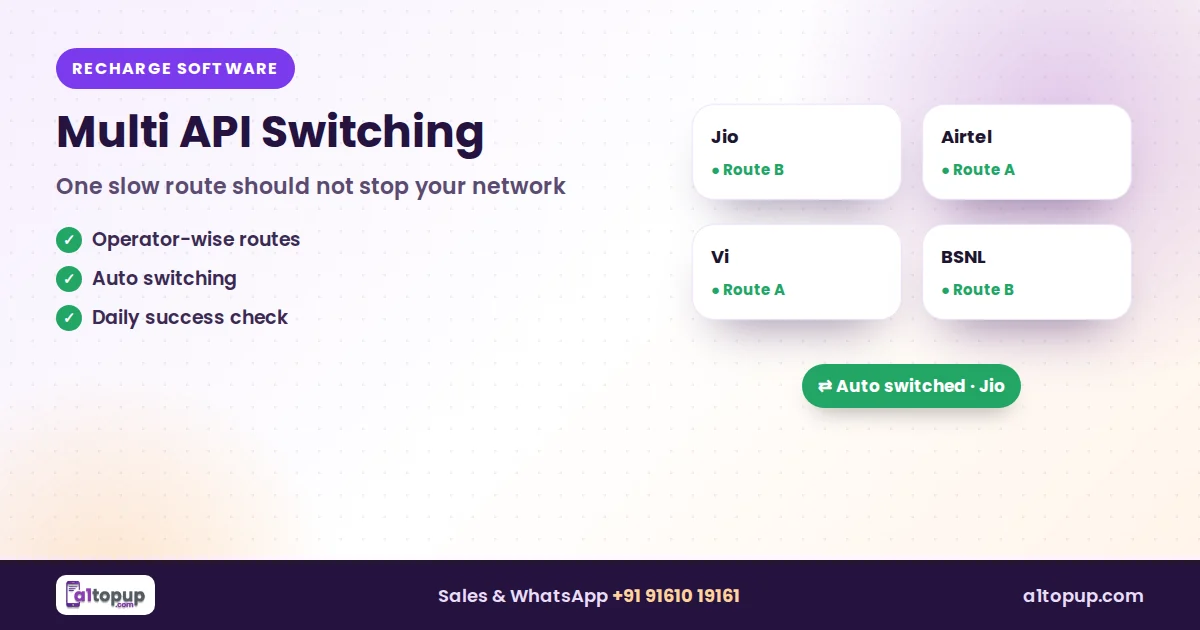
Your recharge software can connect more than one recharge API. Switching decides which API handles which operator. If Jio recharges are slow on route A, you move Jio to route B and leave everything else as it is.
| Type | How it works | Good for |
|---|---|---|
| Manual, operator-wise | You change the route for one operator from the admin panel | Small and mid-size networks |
| Automatic | The system moves traffic when failures cross a limit | Busy networks, evening peaks |
| User-wise | Different routes for different distributors or API users | Large networks with API clients |
Keep a small balance on your backup route at all times. A route without balance is not a backup.
A simple evening routine
- Open the success / failure report for today.
- Look at each operator separately, not the total.
- If one operator's failures jump, switch only that operator.
- Check again after thirty minutes; switch back when it recovers.
Mistakes to avoid
- Switching every operator because one is slow
- Forgetting to keep balance on the second route
- Retrying pending recharges on the new route (it creates duplicates)
Conclusion
Two routes and a five-minute habit do more for your network than any new feature. On A1Topup, Gold connects three recharge APIs and Platinum adds automatic and user-wise switching. See the plan comparison or try it in the free demo.
Frequently asked questions
What is API switching in recharge software?
Is automatic switching better than manual?
How many APIs should I connect?
Have a question? Talk to our team
Related articles
Publishing a White Label Recharge App on Play Store: What to Know
Your recharge app in your brand on Google Play: what you need, how long review takes and why apps get rejected.
Read more →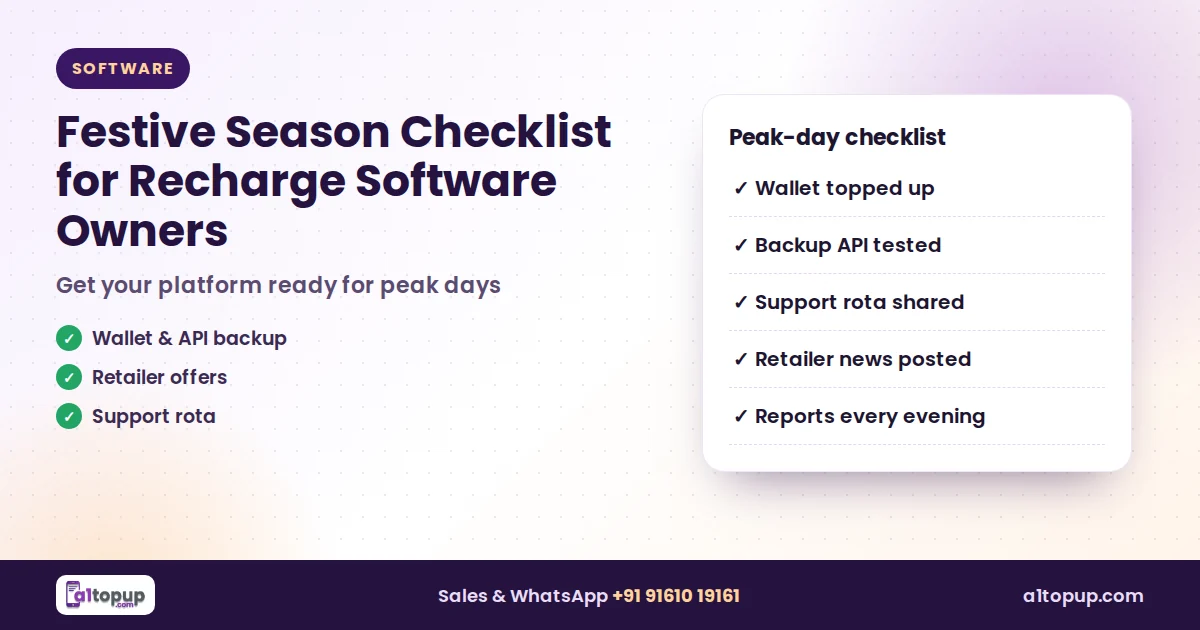
Festive Season Checklist for Recharge Software Owners
The busiest recharge days of the year are coming. A practical checklist so your platform, wallet and team are ready.
Read more →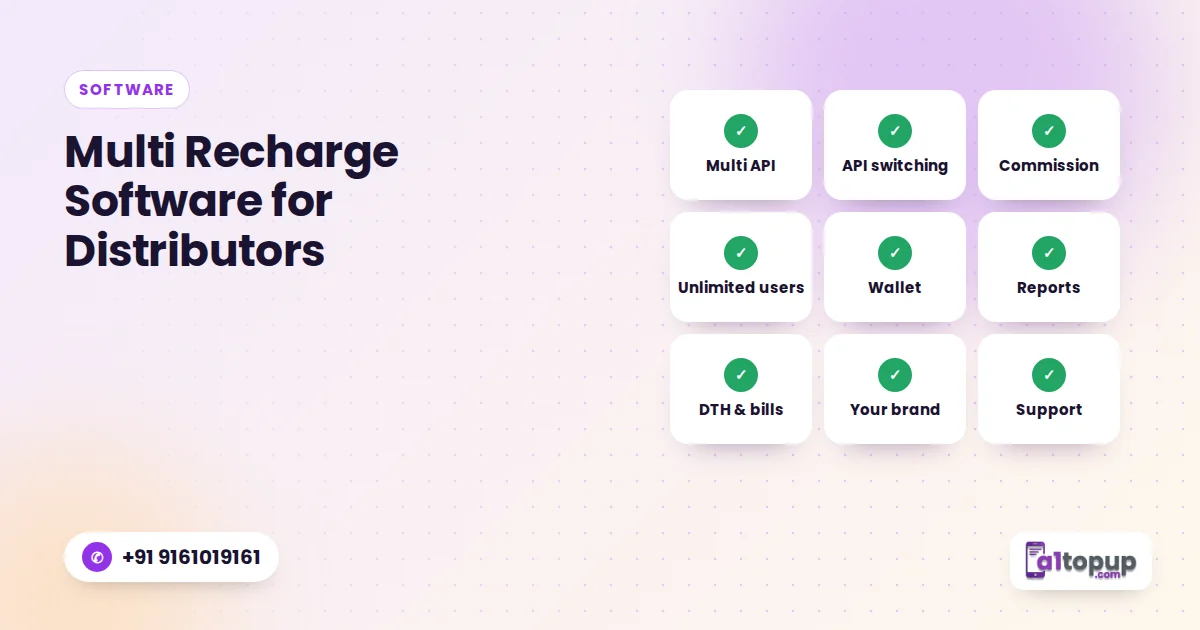
Multi Recharge Software for Distributors: 9 Features to Check Before You Buy
Nine features that separate recharge software that works on a busy Monday morning from software that only looks good in a demo.
Read more →