
Multi Recharge Software for Distributors: 9 Features to Check Before You Buy
Key takeaways
- Check API switching, commission control and reports before design
- Ask to see a real admin panel, not screenshots
- Make sure support answers when a recharge is stuck
Most recharge software looks similar in a demo: a dashboard, some colourful tiles, a mobile app. The differences show up later, on a busy morning when one operator is slow, a distributor wants a different commission and three retailers are calling about pending recharges.
These are the nine things we would check if we were buying.
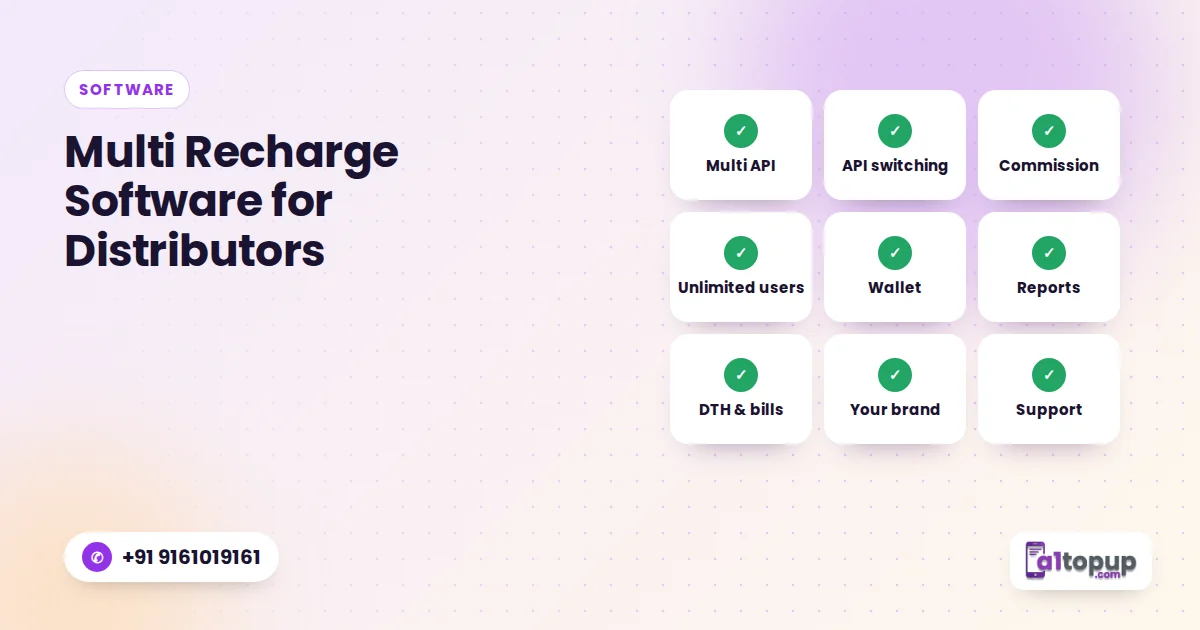
1. More than one recharge API
Every API has slow hours. Software that can connect several APIs lets you keep recharges running when one route struggles.
2. API switching
Connecting several APIs only helps if switching is easy. Look for operator-wise switching, and on bigger setups automatic or user-wise switching.
In the demo, ask the seller to set a commission slab for one distributor while you watch. If it takes more than a minute, imagine doing it for fifty.
3. Commission control per level and per operator
You need different commission for master distributors, distributors and retailers, and different rates per operator. Ask to see it being set, not described.
4. Unlimited users at every level
Some software limits the number of retailers or charges per user. For a growing network, unlimited users matter more than any design feature.
5. Wallet, fund requests and ledger
Retailers request funds, distributors approve them, and everyone needs a ledger that matches. Check how quickly a fund request can be approved and how clear the ledger looks.
6. Reports you will actually use
Daily success, failure and pending totals, user-wise reports and a downloadable ledger. Month-end should take minutes, not a weekend.
7. Services beyond mobile
DTH, postpaid, electricity bills, FASTag and gas bring customers back every month. Check which ones are live today, not "coming soon".
8. Your brand on the app
If you are building a network, the app your retailers use should carry your name. That is what white label means in practice.
9. Support when something is stuck
Call the support number before you buy. How fast they pick up now is how fast they will pick up when a recharge is pending.
Quick checklist
| Feature | Ask in the demo |
|---|---|
| Multiple APIs | How many can I connect on my plan? |
| API switching | Show me how to switch an operator to another API |
| Commission | Set a slab for one distributor now |
| Users | Is there any limit on retailers? |
| Reports | Download today's ledger |
| Support | Who do I call at 8 pm on a Saturday? |
How A1Topup plans map to this
Starter (₹7,500) connects one recharge API, Gold (₹15,500) three APIs with API resell, and Platinum (₹24,500) unlimited APIs with auto and user-wise switching. All include the website, Android app and admin panel. See the full comparison on the price page.
Conclusion
Judge recharge software on the boring things: switching, commission, ledger and support. That is where your time goes once the network grows. Try them yourself in the free demo.
See these features live
Open the admin panel and retailer app in the free demo.
Frequently asked questions
What is multi recharge software?
Why does API switching matter?
How many APIs can I connect on A1Topup?
Have a question? Talk to our team
Related articles
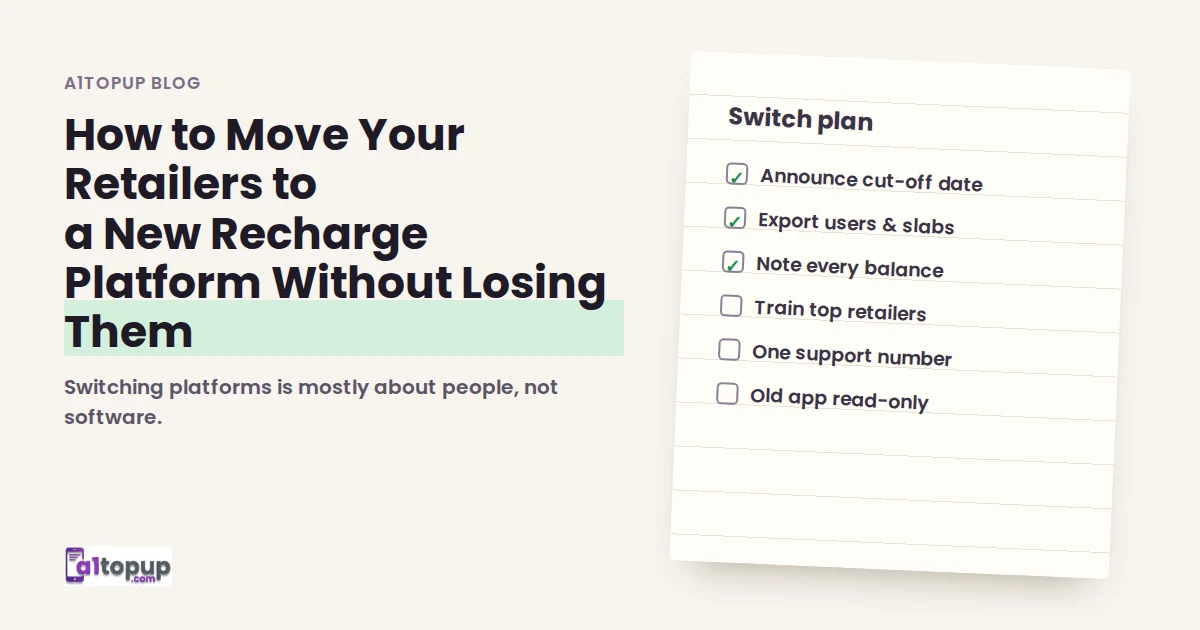
How to Move Your Retailers to a New Recharge Platform Without Losing Them
Switching platforms is mostly about people, not software. A week-by-week plan that keeps retailers with you.
Read more →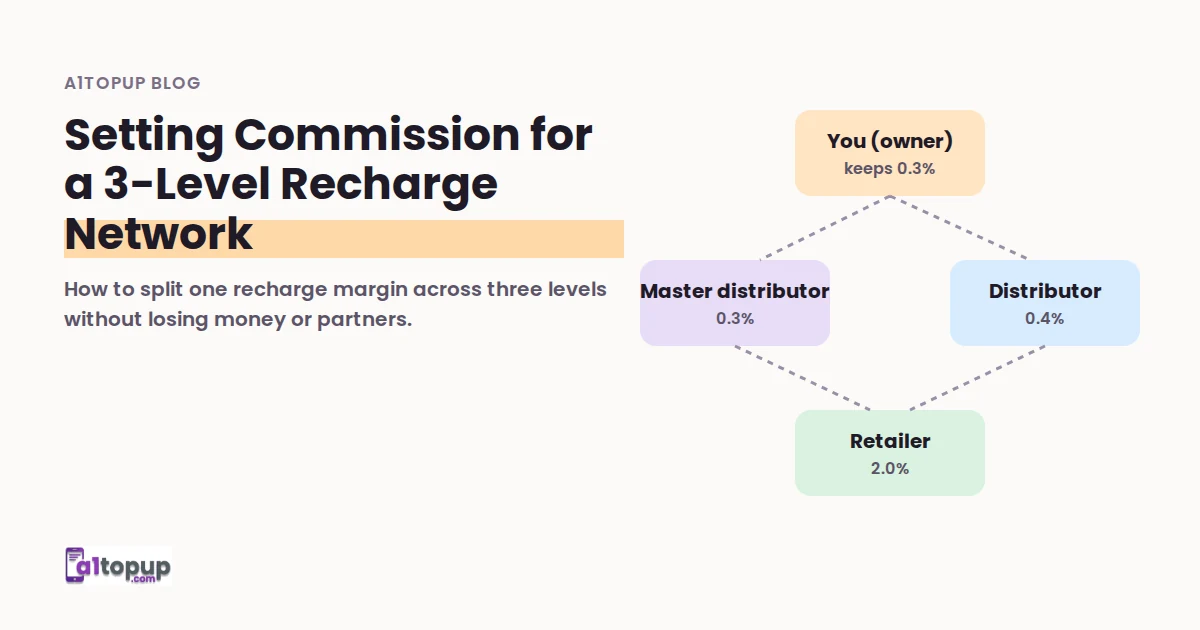
Setting Commission for a 3-Level Recharge Network: A Worked Example
How to split one recharge margin across three levels without losing money or partners.
Read more →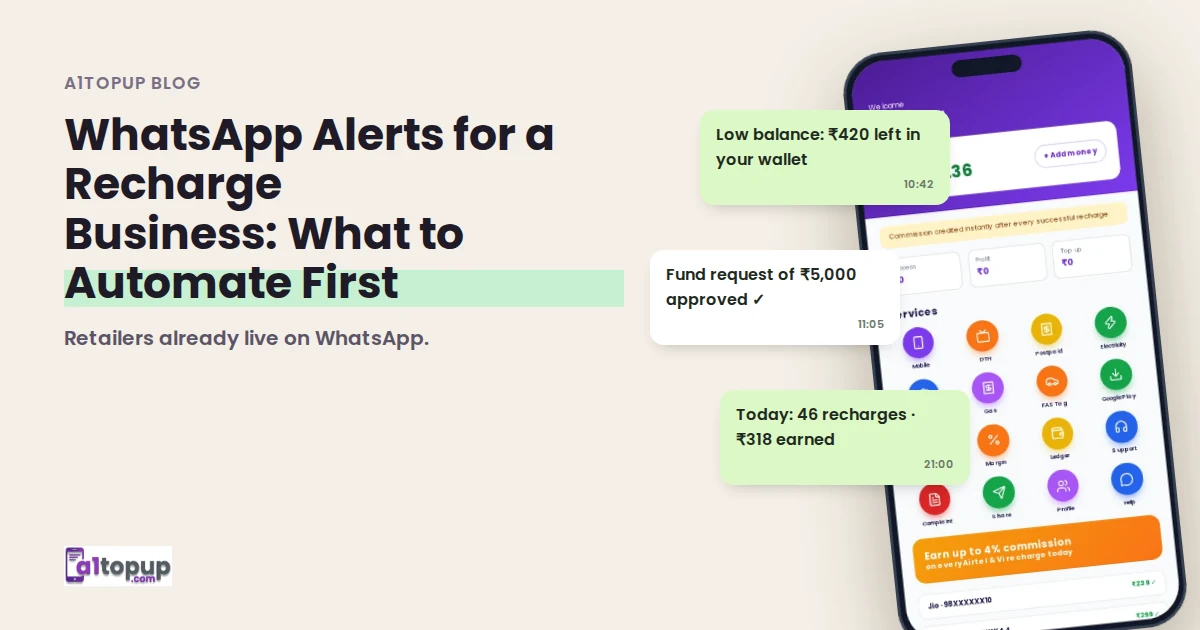
WhatsApp Alerts for a Recharge Business: What to Automate First
Retailers already live on WhatsApp. Five alerts worth automating, and three you should never send.
Read more →